
Business partner doing declarations which you need to archive
Instead of receiving documentation from your business partners via e-mail that you need to review and archive, control your process with a SnapForm.
First, define the Documents you need per order. Include control questions to have your business partner confirm upfront what you usually verify upon receipt of all the documentations. For example:
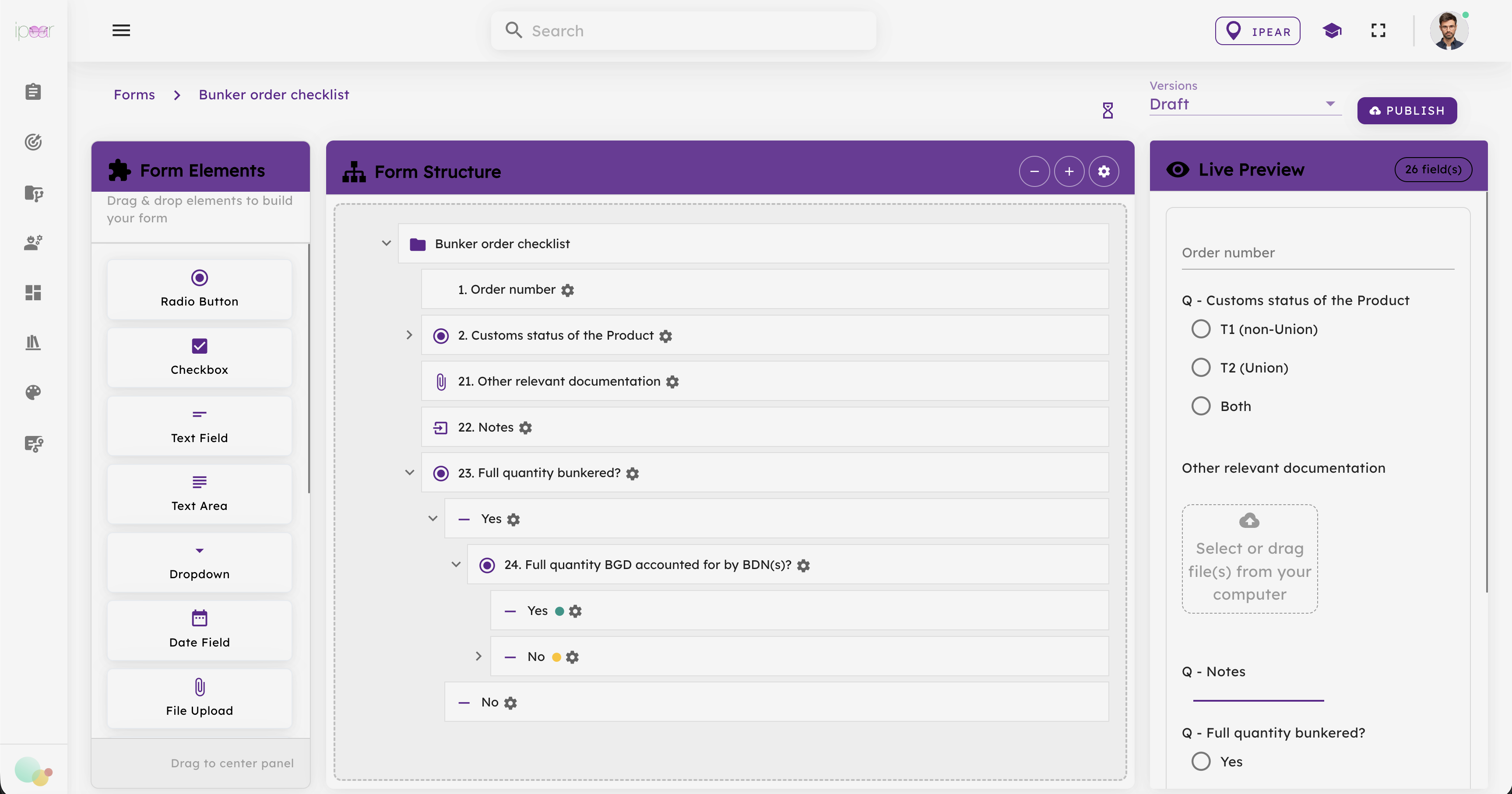
Once completed, make it a SnapForm.
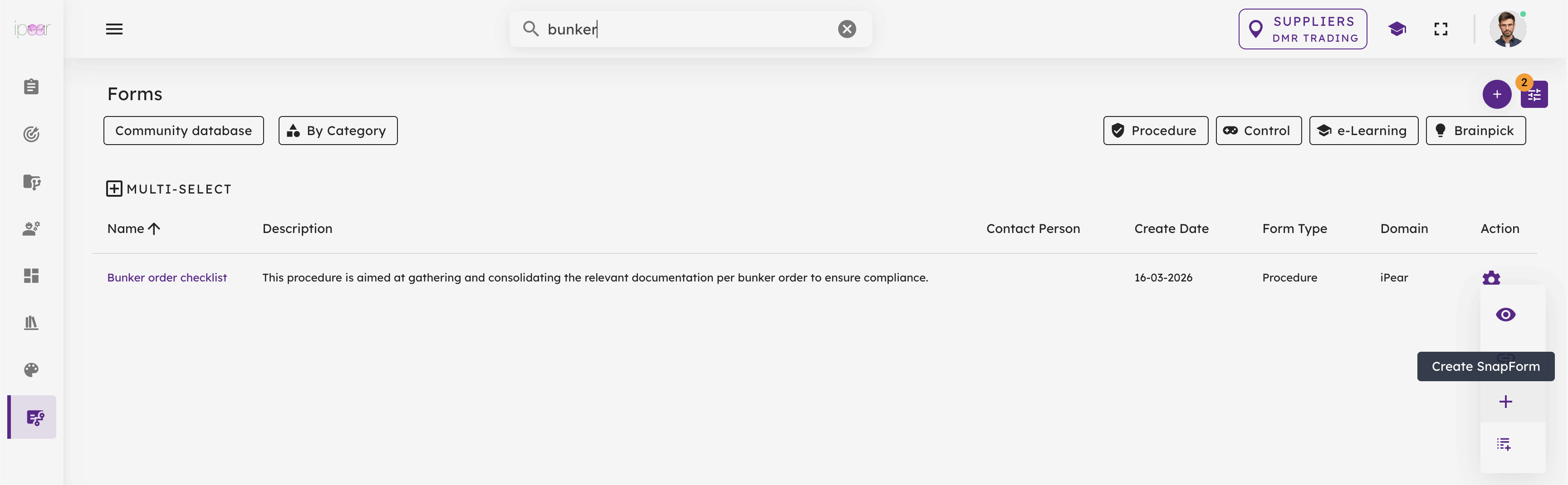
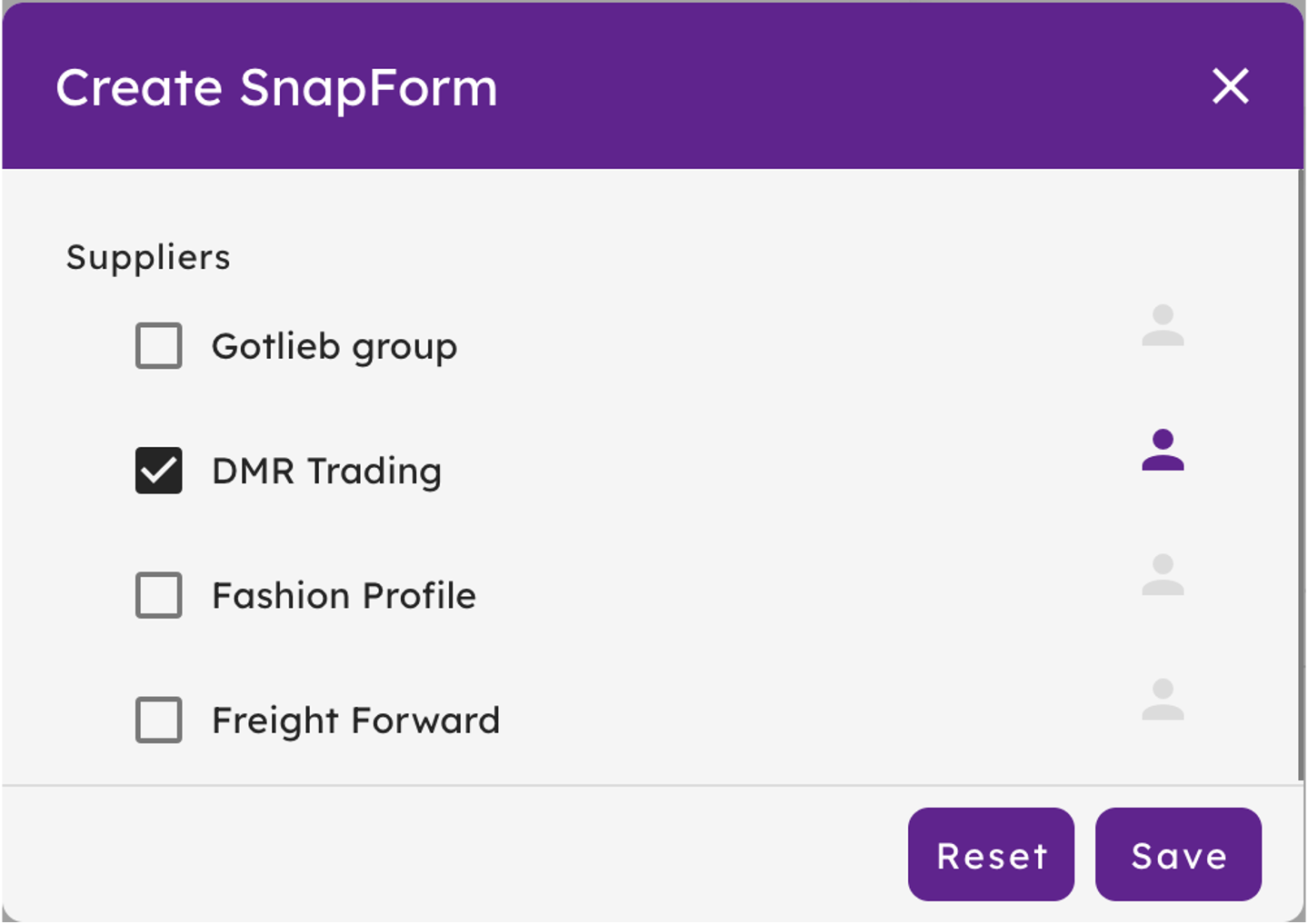
And link it to the relevant Workspace. In this case the Workspace for DMR Trading.
Now it is available as a SnapForm under your DMR Trading Workspace.
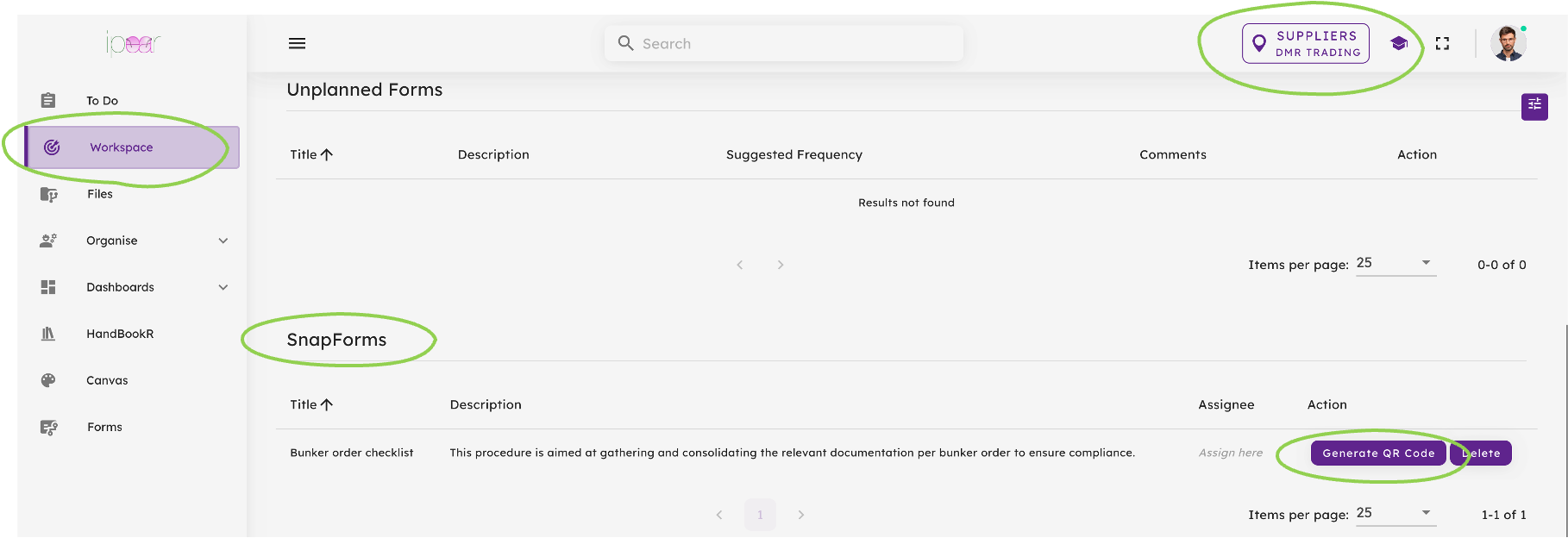
Here you can generate your QR code or URL.
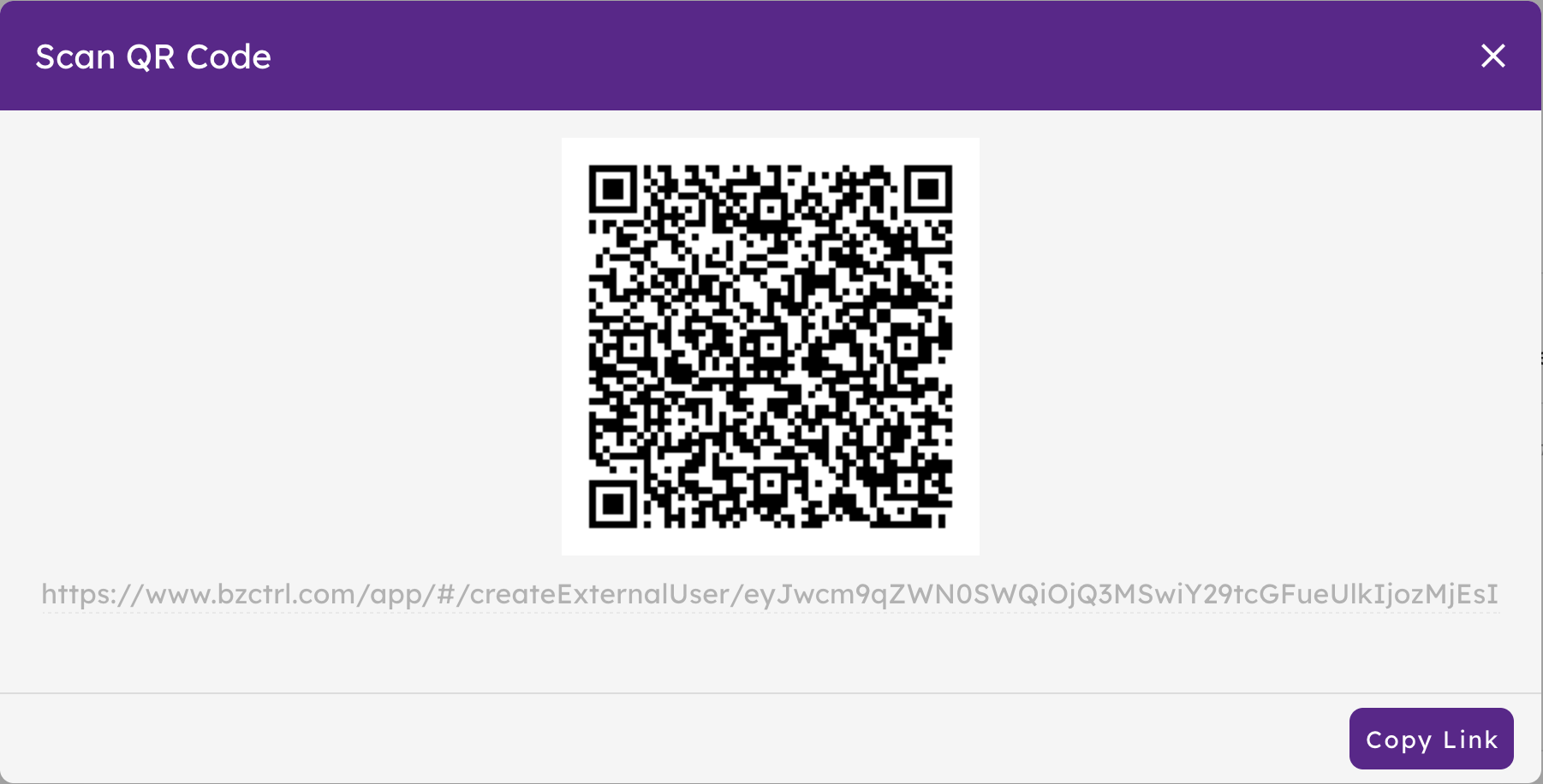
Anytime the QR code or URL is used, an instance is created on the DMR Trading Workspace. DMR Trading can only access the Forms, whereas you as the company can access through the BzCtrl. environment.

Jason from DMR Trading gets to see the Form as an External User without access to the BzCtrl. environment itself.

The company can access all Forms and monitor status and validate completeness and accuracy.

That's it! All nicely archived including all relevant attachments.