# Add Product and product Settings
Currently we have a button to Add Products, which is perfect. However, the Page it opens should be adjusted. Just like the Taric Settings Page, the Products Settings Page should be related to a Single product only. At the same time, to increase User friendliness, it should also be possible to edit the parameters from the main page table.

Current Add products Page
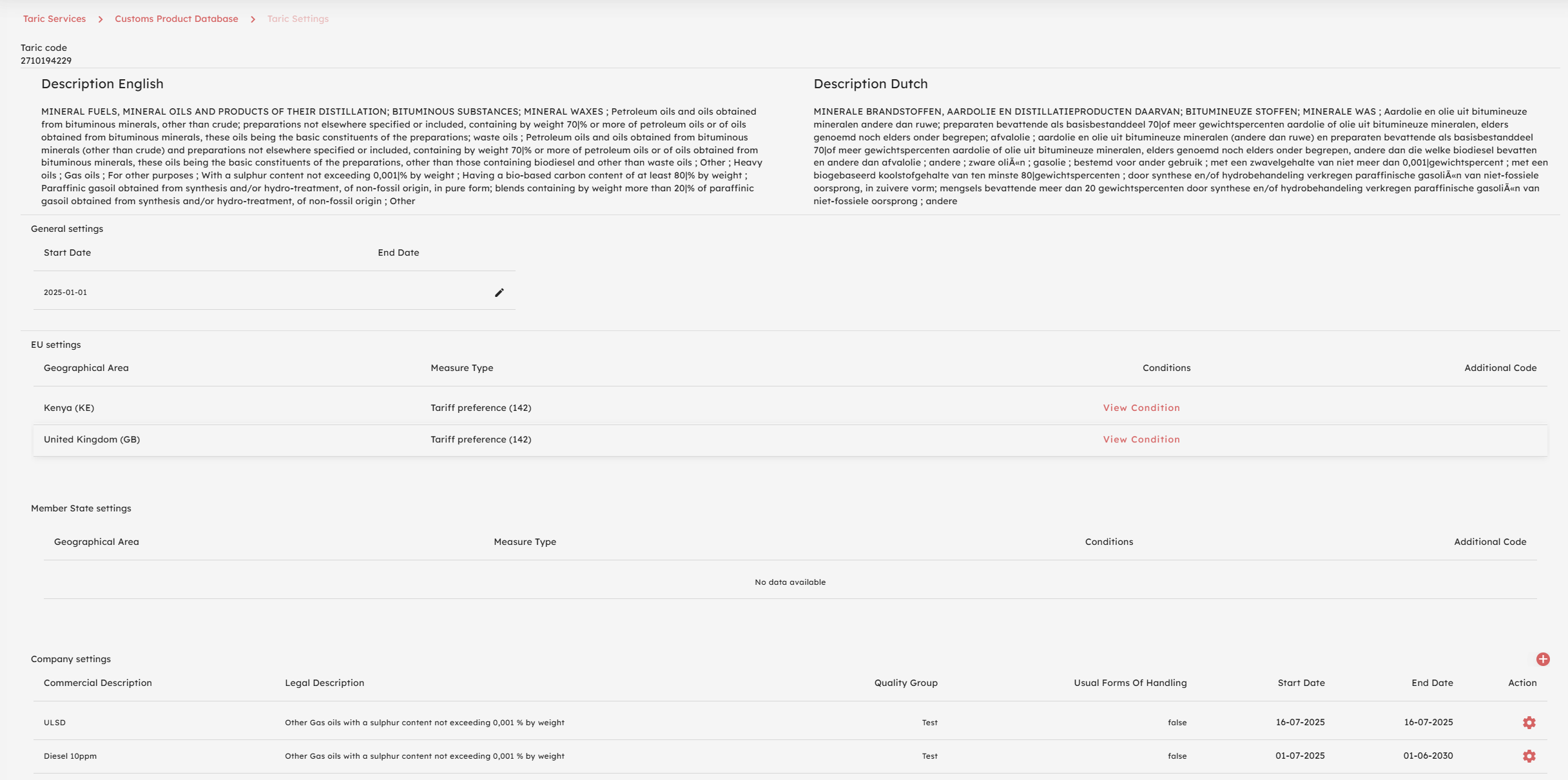
It is valuable as a User when adding the Product under which Taric code this is done since the user enters a new Page after his selection. However, to keep the page clean the suggestion would be:
1. Mention the Taric code in the Left top like now, but make it a link that when the user should click it the user opens the Taric Settings page in a new Window;
2.